
VnROM Bypass 2026 Ultimate Guide to Easy FRP Removal
VnROM Bypass is a popular topic for Android users who want to understand options related to FRP bypass after a factory reset. Factory Reset Protection helps protect devices by requiring the previously synced Google account during setup. This guide explains the basics of VnROM Bypass, its potential uses, device compatibility, and important safety considerations.
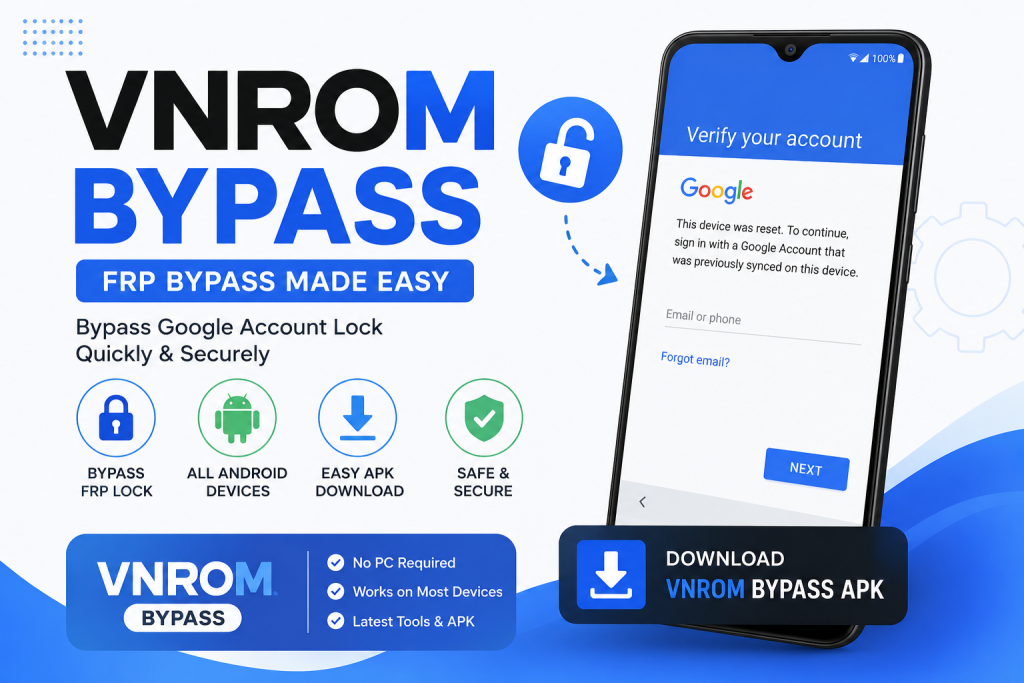
Before trying any method, make sure you own the device or have permission from the owner. You should also check your Android version and security updates because compatibility can vary. Understanding Google account protection, Android security, and device compatibility can help you make safer and more informed decisions.
What is VnROM Bypass?
VnROM Bypass is a term used online for tools and methods related to the Google FRP lock on Android devices. FRP means Factory Reset Protection. This feature helps protect a phone after a factory reset.
When a device is reset without removing the Google account first, the system may ask for the previous account details. This security feature helps reduce unauthorized access if a phone is lost or stolen.
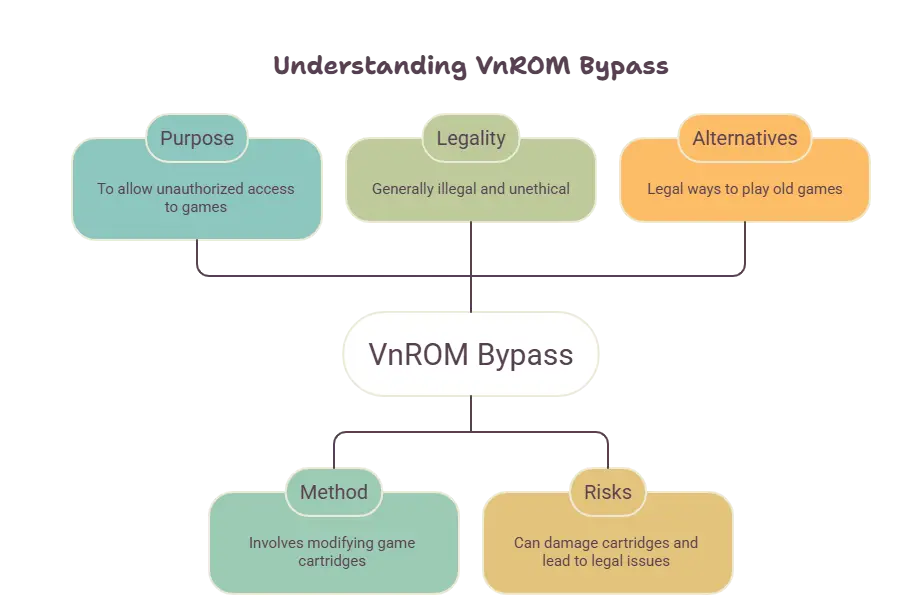
In 2026, many searches related to VnROM include vnROM APK, FRP bypass, Android 11, Android 12, Android 13, Android 14, and Android 15. However, compatibility can vary depending on the manufacturer, device model, and installed security updates.
Is Bypassing FRP Legal? Things to Know Before You Start
The legality depends on the situation and the laws in your country. If the phone belongs to you and you can prove ownership, you should first use official Google account recovery and manufacturer support options.
Trying to access a device that does not belong to you can create legal and privacy problems. Therefore, you should never use a Google FRP bypass tool to access someone else’s phone.
You should also be careful with websites that promise a universal vnROM FRP bypass APK. APK files from unknown sources may contain unwanted software, aggressive advertising, or security risks.
Prerequisites Before Using VnROM FRP Bypass
Before looking for any solution to an FRP lock, correctly identify the device. Check the brand, exact model, and installed Android version.
You should also have access to the Google account linked to the phone if you are the owner. In many cases, recovering the original account is the safest solution.
Keep these details ready:
- Exact phone brand and model.
- Google account linked to the device.
- Proof of purchase, if available.
- Serial number or IMEI, when required for support.
- A stable internet connection.
Avoid installing unknown APK files on a device that contains personal information. Phone security should always be a priority.
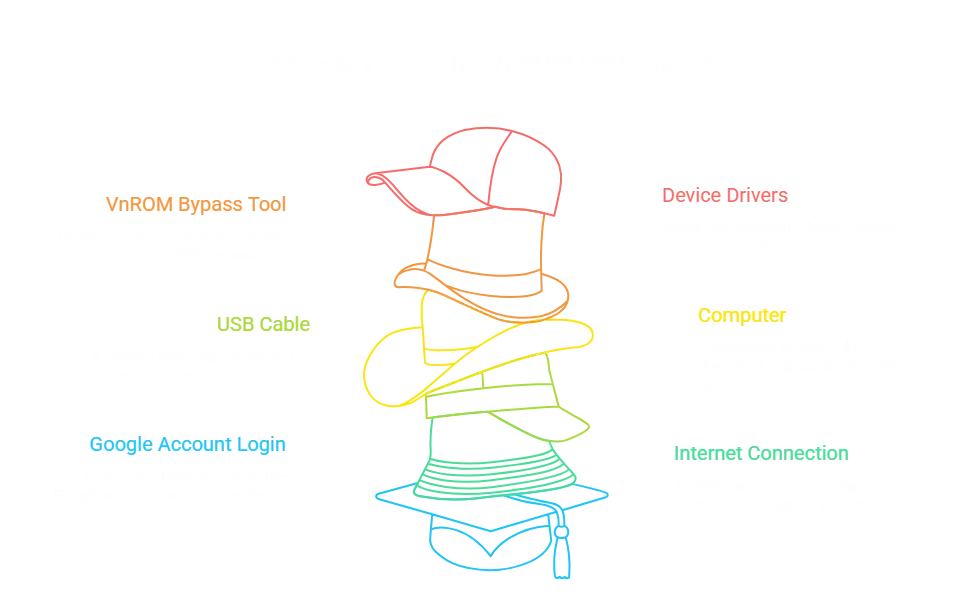
Download VnROM APK
Searches for vnROM APK download often show many third-party websites. However, not every file is genuine, updated, or safe.
A version advertised as the “VnROM Bypass APK 2026” may not work on every device. Android updates change security features and can block older methods.
For this reason, always verify the source of any file and avoid downloading APKs from unknown websites. For a device you own, official Google account recovery or manufacturer support is the safest option.
How VnROM Bypass Works
In general, methods related to FRP try to address the verification screen that appears after a factory reset.
The legitimate recovery process usually involves confirming the owner’s identity through the Google account linked to the device. The system may request login details before allowing full access to the phone.
Compatibility depends on several factors. These include the device model, Android version, security patch, and manufacturer policies.
Therefore, a method that worked on Android 9 may not work on Android 14 or Android 15.
Step-by-Step: How to Remove Google FRP Lock (2026 Methods)
The safest way to recover a device you own is to use the Google account that was previously linked to it.
If you forgot your password, use official account recovery. After changing the password, you may need to wait for a security period before completing the device setup.
If you purchased a used phone and it shows the previous owner’s account, contact the seller. The previous owner should properly remove their account before handing over the device.
Samsung / Galaxy FRP Bypass
Samsung Galaxy phones use their own security systems together with Google FRP. Older models, such as the Galaxy J5 Prime, may behave differently from modern Galaxy devices.
To recover a Samsung device you own, use the correct account and official Samsung or Google support channels. The exact model and Android version are important when finding the right solution.
Vivo FRP Bypass (Y02, Y16, Y36, Y17s, Y03, Y01, Y19s, etc.)
Vivo models such as the Y02, Y16, Y36, Y17s, Y03, Y01, and Y19s may have different software versions and security patches.
Therefore, there is no universal solution for every Vivo phone. If the device belongs to you, confirm the original account and use official support to recover access.
Xiaomi / Redmi FRP Bypass
Xiaomi and Redmi phones may use different Android versions and software systems based on MIUI or HyperOS. Models such as the Redmi 12 and Redmi 13C may have different requirements.
Recovering the linked account is the safest option. If the phone was purchased second-hand, ask the seller to complete the account removal process correctly.
OPPO / Realme / OnePlus-style FRP Bypass
OPPO, Realme, and OnePlus devices may use different interfaces and software layers. Security features can also vary by region and model.
Before trying any third-party tool, review the official account recovery options. This helps reduce risks and prevents you from installing potentially harmful software.
Tecno / Infinix / Other Brands FRP Bypass
Tecno, Infinix, Motorola, ZTE, and other brands may also show Google verification after a factory reset.
The solution depends on the exact device. For help, provide the model and proof of ownership to the relevant official support service.
VnROM Compatibility – Supported Android Versions
Compatibility with any FRP-related tool can change with every Android update. An old APK may stop working after a security patch.
Android 15 / 14 / 13 / 12 / 11 Support
Devices running Android 11, 12, 13, 14, and 15 usually have newer security systems than older Android versions.
Therefore, you should not assume that a vnROM bypass Android 15 method will work the same way as a tool designed for Android 11. The device model, security patch, and manufacturer are important factors.
VnROM APK Names & Related Files (Reference List)
Searches related to VnROM often mention names such as Activity Launcher APK, Google Account Manager, and other Android tools.
These names do not guarantee compatibility or safety. Third-party APK files can change their name, version, or contents.
Galaxy Store–related Bundles Often Referenced
Some methods published online mention apps and packages related to Galaxy Store services. Availability may vary depending on the device and region.
Do not download packages from unknown sources without checking their authenticity and security.
Alliance Shield Alongside VnROM (Commonly Listed)
Alliance Shield also appears in some searches related to Samsung devices. However, any device management tool should only be used with authorization and on devices you own.
Key Features of VnROM Bypass
Features commonly associated with VnROM include:
- Advertised compatibility with multiple Android versions.
- References to different phone brands.
- APK-based tools.
- Searches related to FRP and Google accounts.
- Compatibility that varies by model and security patch.
Actual compatibility may differ from what a download page claims. Therefore, always verify information before installing any software.
Disclaimer
This article about VnROM Bypass is for informational and educational purposes only. FRP-related tools and methods should only be used on devices you own or have permission to access.
Do not try to access someone else’s phone or use unknown software to bypass security measures. The compatibility of any application or VnROM Bypass method can change depending on the device model, Android version, and security updates.